Starting with unity tutorials
After a leaving game development on the side for a few years, it was daunting to come back at full force. So I decided to follow one of Unity tutorials. More precisely the tutorial “Tanks tutorial”. The game built with this tutorial is a simple multiplayer all-for-all tank game. Following the tutorial I was able to get back into Unity with ease. But I felt like the game I made was not mine. I followed the steps of the tutorial to the letter and learned a lot of neet tricks but I wanted to make a game that was more personalized.
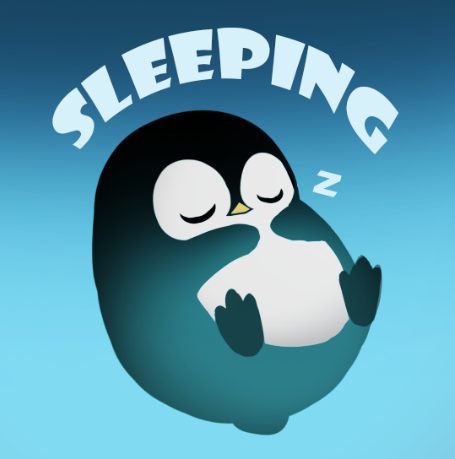
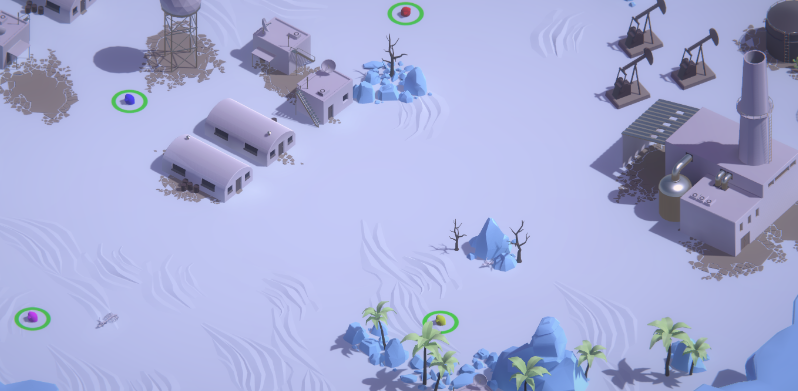
So I thought “what if I change the tanks by penguins and make it a snow ball fight instead of a tank fight?”… And that is what I did. I changed the colors of the sand material to white and the rock material to light blue, just like that I had snow and ice. I then changed the tank models by penguins that were made by Wardl. The game visually looked just like a snowball fighting game. But something was wrong, the controls were too mechanical.
I opened up the movement script and started tweaking the logic a bit after a few iterations I got a fluid movement where the penguins could move/rotate in the direction that was specified with a joystick.
I added a few more things like the option to play with up to 6 players, the ability to charge up shots to shoot massive snowballs and more.
I am pretty happy with the result and I might come back to this game idea one day. But for now I need to improve my game dev skills before I tackle projects that are too ambitious.